pop in your full postcode below and we'll check if we're in your area
see if our wi-fi is available at your address
we'll show the estimated speeds you can get where you live
get the right prices and plan options for your home
the basics
no jargon, no confusing tech words. just simple explanations that help you understand what's actually happening in your home.
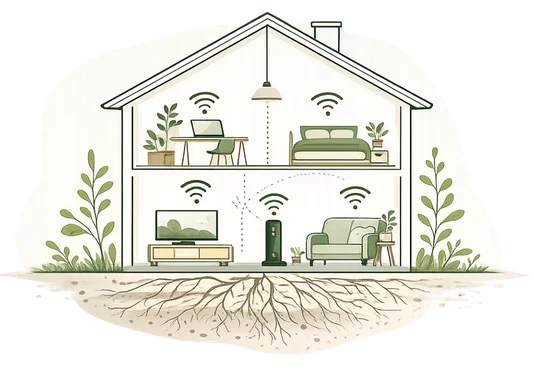
broadband vs wi-fi

connection from outside your home
takes that connection and sends it to your WI-FI
your router broadcasts the signal around your home
we supply the broadband, our router turns it into WI-FI
what is mbps?

mbps measures how much data (info) your connection can move every second.

the higher the number, the more people and devices in your home can do things at the same time.

it's less about how fast one device feels, and more about how much your connection can handle.
what counts as a device?
a device is anything in your home that connects to the internet. most people underestimate how many they have.


it’s easy to be running twenty or thirty things without realising all of them need room.
download vs upload

everything coming to you.
watching videos, browsing, downloading games, streaming music.
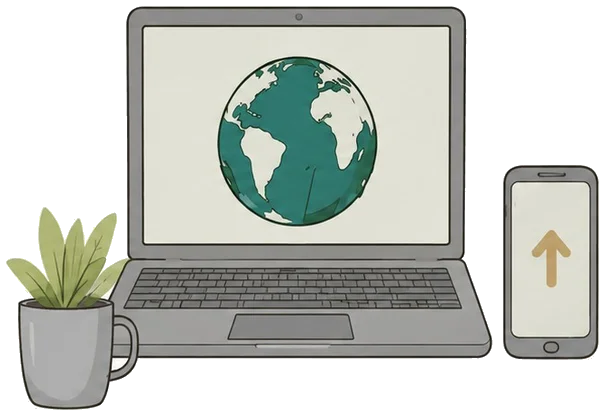

everything going out.
video calls, sending files, photos backing up, posting a video.
choosing the
right plan
for you?
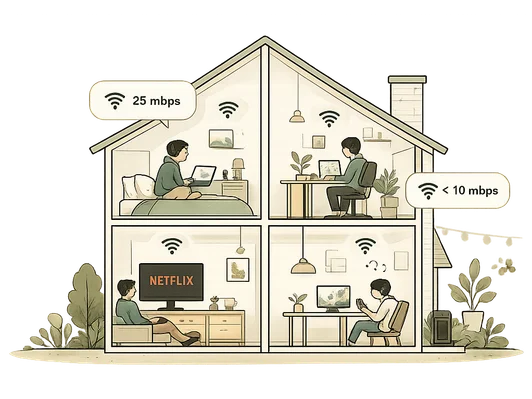
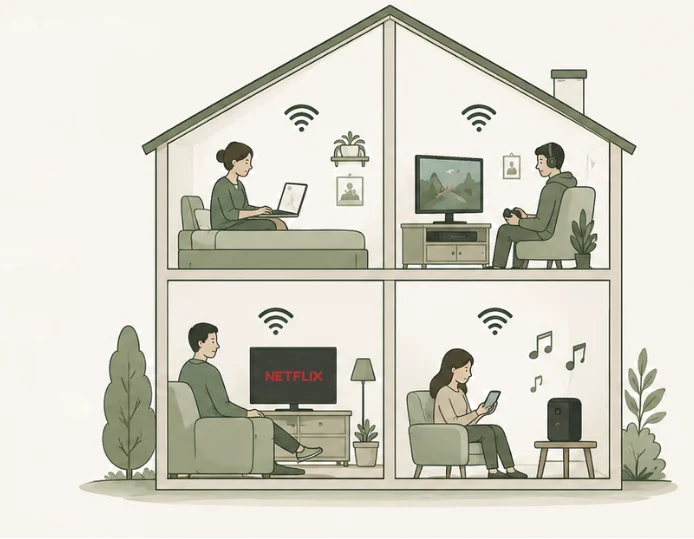
instead of thinking about the biggest number, think about the busiest evening in your home.







your busiest evening
 two 4k streams = 50
 one video call = 5
 console gaming = 10
 music playing = 2
 phones & browsing = 10
working from home?

it's upload speed that keeps calls smooth, not download.
movie night

500 mbps gives everyone room
gaming
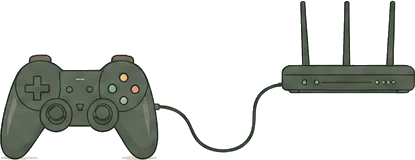
wired beats WI-FI
still not sure?
we'll help you find the right fit.
the wi-fi in your home
the speed arriving at your router isn't always the speed reaching your phone.
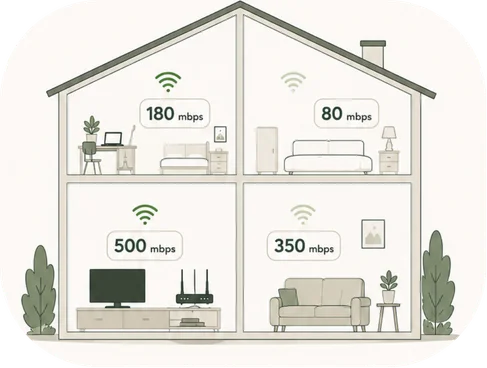
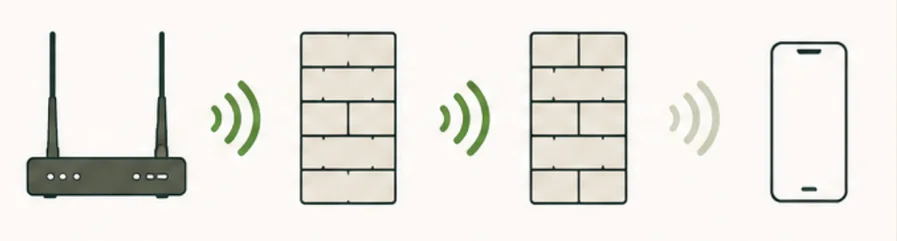
every wall and every metre weakens the signal.
 in a cupboard
 on the floor
 behind the tv
 on a high shelf
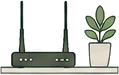 in the open
 central in your home
wi-fi 6 and extenders
extenders and wi-fi 6 fix different problems. here's what you need to know.
wi-fi 6 fixes capacity and speed at the router. more things at once, more of your line reaching the room you're in.
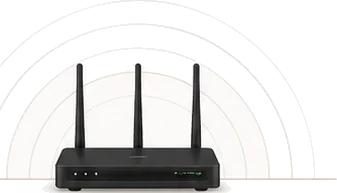


an extender fixes distance. it boosts the signal in the room your router can't reach. an extender works well with a router
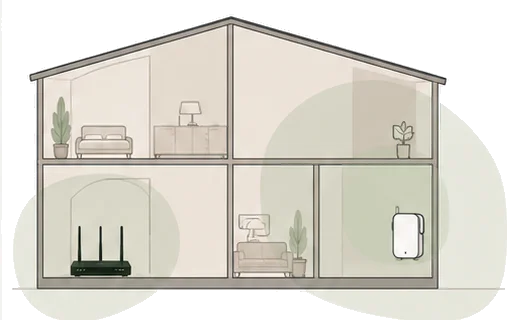
when to use

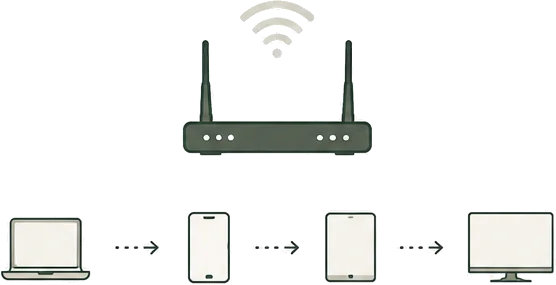
handles devices one after another.
 older standard
 works well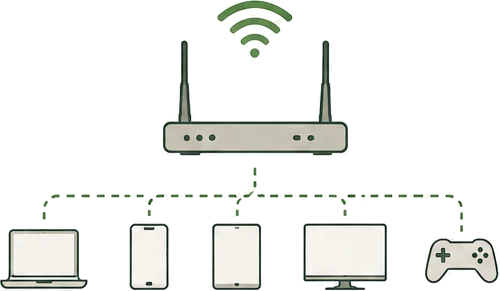
handles many devices together.
 newer standard
 works even better in busy homes
between 7pm and 11pm almost everyone is online.
one more
thing...
traditional landlines are changing here’s what that means for your home
need a
landline?
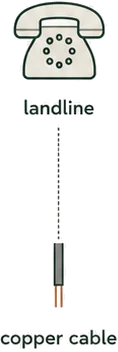
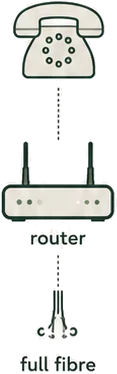
traditional landlines used the old copper phone network.
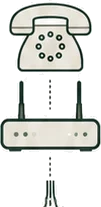
your phone calls now travel through your broadband connection instead.

you can usually keep your existing phone number when you switch.

if you never use a landline, you may not need one at all.
important
full fibre doesn't include a phone line unless you ask for one.
in a power cut, calls over broadband won't work unless you have backup power.

if anyone in the house uses telecare or a personal alarm, a pendant or a fall alarm for example, tell us before you switch so the service isn’t interrupted. what happens to your fall alarm when the landline goes explains why it matters.
quiet home
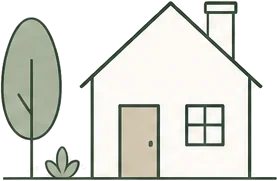
one or two people one thing at a time
growing
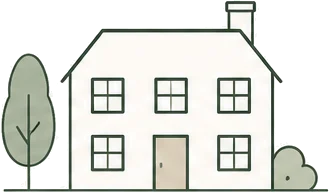
a family, several things at once, someone always working from home
busy home
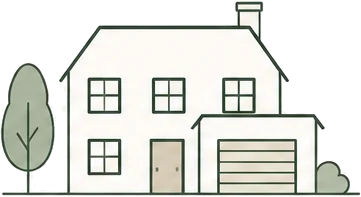
everyone doing something heavy at the same time, plus big downloads that can't wait